Step 2: View the Results
When you click OK from the AutoReverse Posting dialog box, the Report Layout dialog box appears. Select the target for the Payroll G/L Transaction Code report. This report shows the general ledger accounts affected. Then, an Exception report appears. This report informs you if any part of the process was unable to complete or if any code limit was reached on the payroll you are reversing.
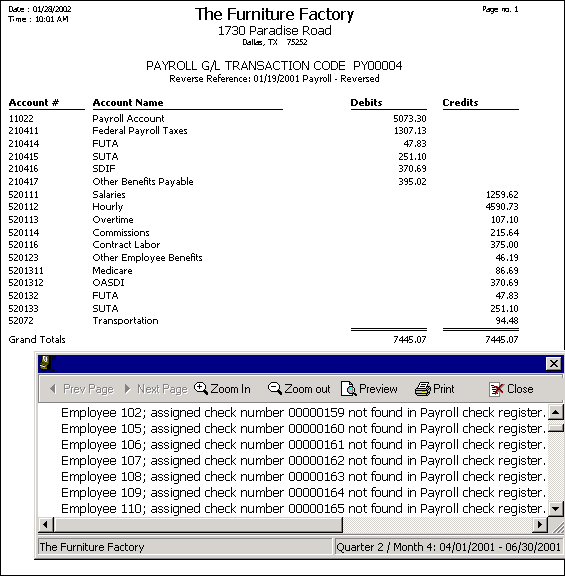
After viewing the report, click Close and the AutoReverse Posting Results screen appears. Click Continue to complete the process or Details to view each employee and amount included in the AutoReverse.
